Maintenance
QR Code Maintenance Request Systems: Let Anyone Report Issues Without an App
How QR maintenance request systems let staff, guests and contractors report site issues fast, without app downloads or logins.
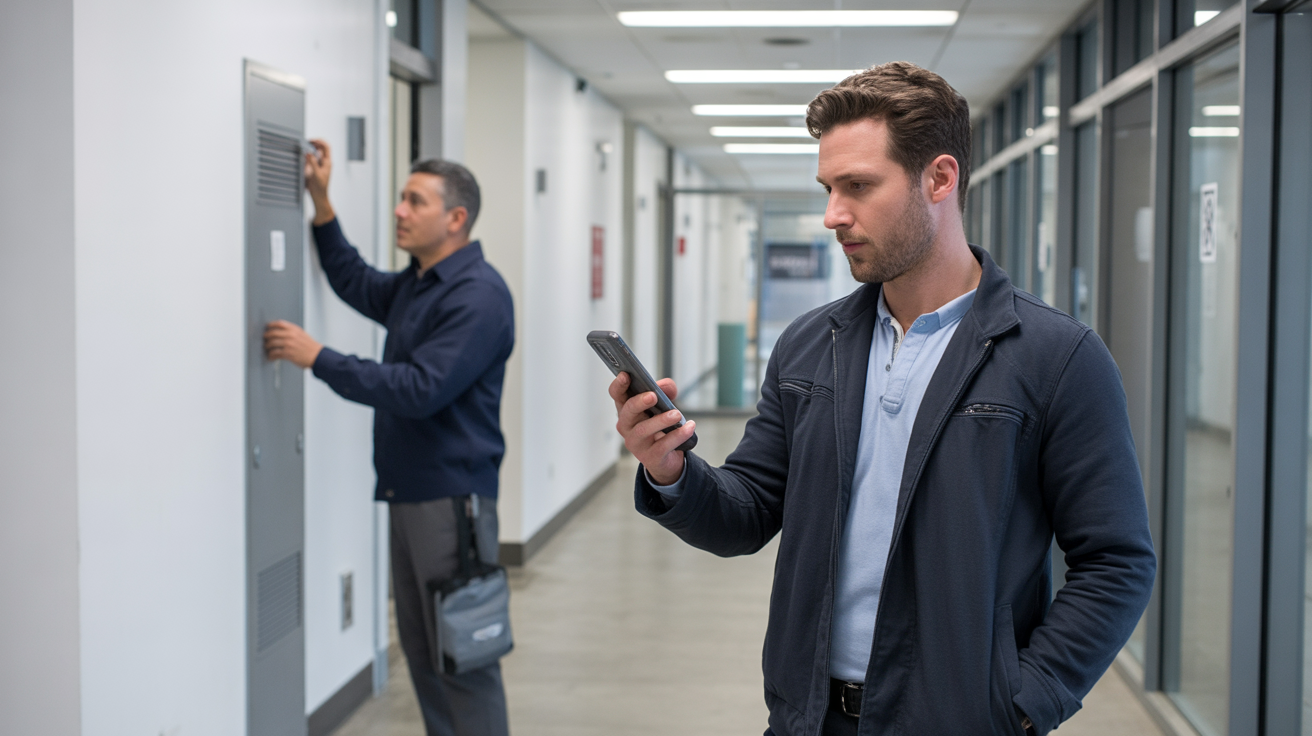
A maintenance request system only works if people actually use it.
That sounds obvious, but it is where a lot of site issue reporting falls apart. A cleaner notices a loose handrail and tells the wrong person. A hotel guest mentions a broken fitting at reception during a busy checkout. A contractor spots a leak but has no account for the internal system. A gym member reports a damaged locker on social media instead of to the team who can fix it.
The issue is not always willingness. It is friction.
If someone needs to download an app, remember a login, find the right email address, or explain which room, asset or area they mean, plenty of useful reports never become proper jobs. A QR code maintenance request system removes most of that friction. The reporter scans a code, opens a mobile form in the browser, adds the issue details and photos, then sends it to the team that manages the space.
Used well, QR reporting does more than collect messages. It turns everyday observations into reviewed, assignable and provable work.
What is a QR code maintenance request system?
A QR issue reporting system links a physical place or asset to a digital reporting form.
That code might be fixed to a washroom wall, plant room door, hotel corridor, gym machine, serviced apartment welcome folder, school reception desk, warehouse bay or retail back-of-house area. When someone scans it with their phone camera, they are taken to a form that already knows which site, area or item the report relates to.
The reporter should not need an app account. In many cases, they should not need to know the name of the maintenance system either. Their job is simple:
- Scan the code.
- Describe the problem.
- Add a photo if useful.
- Submit it.
The operations team's job is different. They need to review what came in, decide whether it is real, avoid duplicate jobs, assign the right person, track the fix and keep evidence of what was done.
That review step matters. Public reporting should not automatically flood the live job board. SnagDeck is built around this workflow: QR report, manager review, assignable job, tracked fix and proof record.
Why no-app reporting matters
No-app reporting works because it matches how people behave on site.
Most staff, contractors, tenants, guests and visitors already know how to scan a QR code. Modern iPhones and Android phones support QR scanning through the camera or built-in scanning tools, so the entry point is familiar. There is no training session to attend and no software rollout for casual reporters.
That makes a big difference in real operational settings:
- A restaurant team can report a leaking sink before the handover note gets missed.
- A leisure centre member of staff can photograph a damaged changing-room hook while they are standing beside it.
- A cleaner can report recurring blocked drains without needing access to the manager dashboard.
- A contractor can flag a follow-on issue without being added as a full internal user.
- A property manager can place area-specific codes in communal spaces across multiple buildings.
The less a reporter has to remember, the more accurate the report tends to be. A QR code attached to the right area also reduces the classic "where exactly is this?" follow-up.
What the form should capture
The best maintenance request forms are short. If the form asks too much, people either abandon it or enter poor information.
For most QR issue reports, start with:
- Issue category, such as cleaning, damage, plumbing, lighting, safety or equipment.
- A plain description of what is wrong.
- Photos from the camera or photo library.
- Optional reporter name, depending on the setting.
The system should capture the site and area from the QR code itself. It should also record the submitted time and keep the photos attached to the report. The reporter should not be asked for asset codes, internal priorities, contractor names or budget details.
Managers can add that operational context later. The public form exists to capture the issue while the person is still beside it.
Review before assignment
A QR maintenance request is not the same thing as an approved job.
That distinction protects the team. Public or semi-public reporting is brilliant for visibility, but it can also bring repeat reports, vague reports, low-priority observations and the occasional bit of nonsense. A good workflow gives managers a review inbox before anything becomes assigned work.
In SnagDeck, incoming QR reports can be reviewed first in an issue review inbox. Managers can check the description, look at the photos, compare it with existing issues, remove duplicates and then convert the report into a job when it is worth actioning.
This is also where light AI assistance can help. AI should not make final operational decisions, but it can suggest a clearer title, summary, category, priority and next action from a messy public report. The owner or manager still decides what happens.
That keeps the workflow practical:
- The public can report issues quickly.
- Managers stay in control of the job list.
- Teams avoid chasing duplicate or unclear work.
Where to place QR codes
QR placement is an operations decision, not a design exercise.
Put codes where issues are likely to be noticed and where the location context is useful. Good starting points include:
- Toilets, changing rooms and communal areas.
- Reception desks and staff rooms.
- Gym equipment zones and studio entrances.
- Hotel floors, corridors and back-of-house areas.
- Warehouse bays, loading areas and plant rooms.
- Shared office kitchens, meeting rooms and print areas.
- Serviced accommodation welcome folders or in-room guides.
Avoid placing codes where they will be damaged, covered, cleaned off, or scanned by people who cannot reasonably describe what they are looking at. If a code covers a large area, make the form category choices clear enough to compensate. If an asset creates frequent issues, give it its own code.
The aim is not to label every object on day one. Start with the places that generate the most messy messages, repeat complaints or missed handovers.
From report to proof of fix
The biggest benefit of a QR maintenance request system is not the QR code itself. It is the record that follows.
Once a report becomes a job, the team needs a clear path:
- Review the submitted issue and photos.
- Convert it into a job with the right title, priority and category.
- Assign it to a staff member, manager or contractor.
- Track status, comments and checklist items.
- Capture proof photos when the work is complete.
- Close the job with a record of what was done.
That last step is often where informal reporting fails. A WhatsApp message can prove someone spotted a problem, but it rarely gives a clean job history. A notebook can show that a task was written down, but not who completed it, when it was closed or what the fixed result looked like.
SnagDeck keeps the issue, job, comments, photos, checklist and proof-of-fix record together. For teams managing physical spaces, that means fewer arguments about whether something was reported, assigned or resolved.
How to roll it out without making a meal of it
Start small.
For a practical rollout checklist, use the QR Maintenance Reporting Starter Kit before printing your first codes.
Pick one site, one area type, or one repeat issue category. For example, a gym might start with changing rooms and equipment areas. A hotel might start with corridors and guest maintenance requests. A property team might start with communal entrances, bin stores and shared hallways.
Then:
- Print a few durable QR labels.
- Test every code from a normal phone.
- Ask two or three staff members to submit test issues.
- Check whether the report includes enough context to assign work.
- Adjust category choices and wording before adding more locations.
Do not turn the launch into a heavy systems project. QR reporting works best when it feels obvious to the people using it. The internal workflow can be structured, but the reporter experience should stay quick.
What to measure after launch
Once QR reporting is live, watch for operational signals rather than vanity metrics.
Useful measures from analytics and heatmaps include:
- How many reports arrive through QR codes.
- Which areas generate repeat reports.
- How many reports are duplicates.
- How long reports wait before review.
- How long jobs take from assignment to closure.
- How often proof photos are added.
- Which contractors or teams are handling the work.
These numbers help managers spot practical patterns. A regularly reported toilet issue might need planned maintenance rather than one-off repairs. A site with slow review times might need clearer ownership. A recurring duplicate report might need a visible "already reported" process for staff.
The simple rule
A QR code maintenance request system should make reporting easier without making operations messier.
That means no app download for the person raising the issue, but proper structure for the team receiving it. It means photos and location context at the start, then review, assignment, progress tracking and proof at the end.
SnagDeck is designed for that middle ground. Anyone can report an issue from the physical space. Managers can review it before it becomes work. The team can assign the job, fix it and prove it is done.
Report issues. Assign jobs. Prove it is fixed.